
Tutorials.
Practical guides and technical tutorials on programming, development environments, and tooling.
Development.
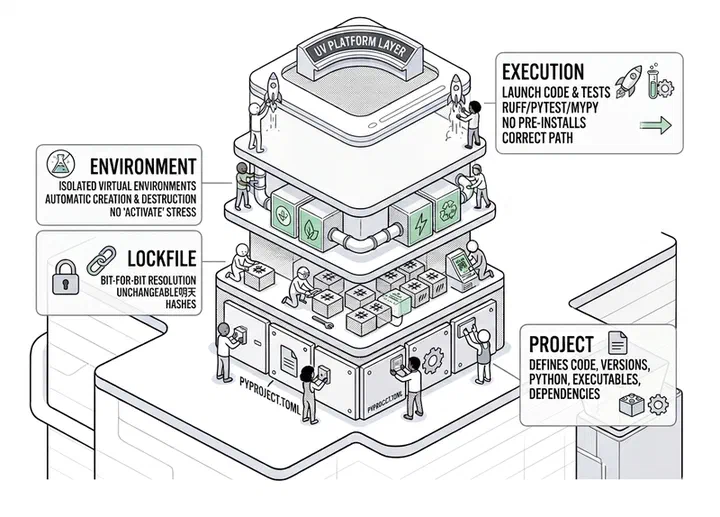
uv without fear: designing your Python platform layer
Why uv isn't just "pip but fast" — it's a fundamentally different way of thinking about the platform layer for your Python projects. With solid reasons, concrete benefits, and six copy-paste-ready examples.
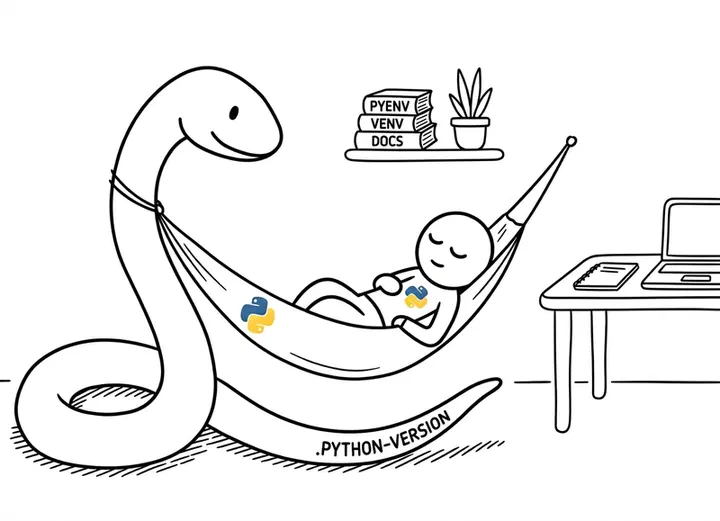
Installing Python "properly" with pyenv (and stop fighting with versions)
A practical guide to managing Python versions with pyenv and virtual environments on Linux, macOS, and Windows without losing your mind.
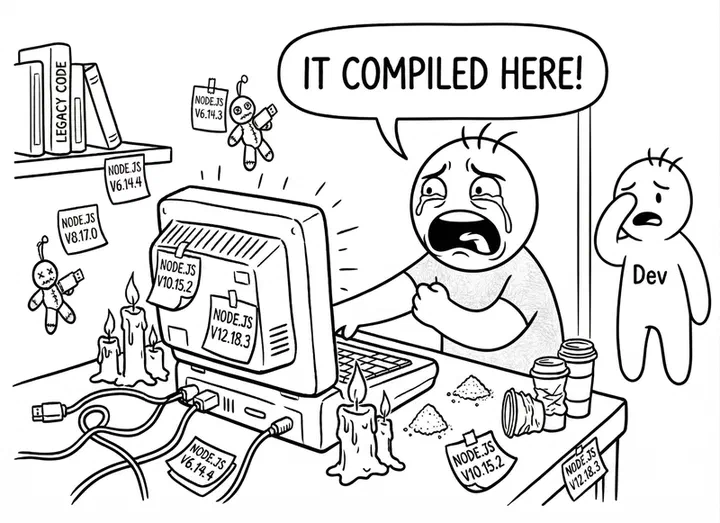
Devcontainers: how to pack your dev environment in a lunchbox (and keep it tasting good)
A practical guide to devcontainers with VS Code, PyCharm, and Rider: what they are, how to set them up, and why your team should use them.

Docker basics: from 'it works on my machine' to actually understanding what you're doing
A practical Docker guide for developers: images, containers, volumes, Dockerfile, and docker compose, explained without blindly copying and pasting.
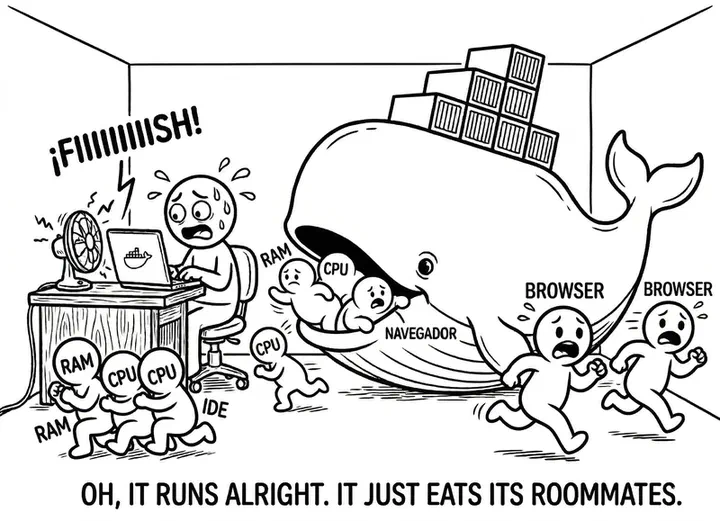
Installing Docker (without selling your soul to Desktop)
Docker CE on WSL2 or Colima on macOS: how to get a full Docker environment without Docker Desktop or its licenses.
Systems.
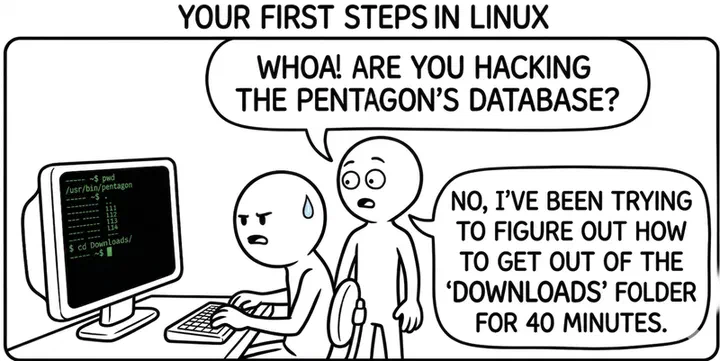
Your first steps in Linux (when you come from Windows and don't want to run away screaming)
A practical guide for Windows users facing a Linux terminal for the first time: file system, processes, apt, and sudo -- without losing your mind in the process.

WSL: how to get Linux inside Windows without too much drama
A practical guide to installing and configuring WSL2 on Windows: no dual boot, no bloated VMs, just real Linux.
Why this section.
Over the years I’ve been collecting technical battle scars, commands you only remember when it’s already too late, configurations that work “on the third try,” and tool combos that were supposed to be simple but in practice left you on a Saturday night staring at logs.
All of that usually stays in your head, in messy notebooks, or in lost Slack messages. This section exists to get it out of there and put it to work for you.
The idea is dead simple: we’re not here to play futurist or sell snake oil about how “AI will change everything” or “this framework will make your life perfect.” We’re here for the pain points and the lifesavers:
how to install something without it blowing up, how to configure a tool without crying, and how to understand what you’re doing so you don’t have to start from scratch tomorrow.
If you’re looking for articles with phrases like “in the era of digital transformation we must rethink the paradigm”… wrong place.
If what you want is: “OK, so what do I actually type in the config file to make this thing work already?"—then yes, sit down, this section is for you.
In these Tutorials you’ll find:
- Guides written from the trenches, not from the conference room.
- Real examples, with commands, files, and screenshots that I’ve tested myself.
- Explanations designed so you understand what you’re doing, not just so you repeat steps like a parrot.
Everything I publish here I’ve tested myself first. There are no recipes blindly copy-pasted, no “it should work on my machine.” If something takes three attempts and a weird hack, I’ll tell you; if an official option is technically correct but a nightmare to maintain in practice, I’ll tell you that too. No tricks, no gimmicks.
Whether you’re just starting out or you’ve been at this for years, here you’ll find someone with plenty of technical experience—and a bit of an edge—who’ll explain things the way they would at a whiteboard or over a beer. Straight up, with examples, and pulling no punches to say “this is great” and also “this is garbage, but you’re going to run into it everywhere, so you’d better know about it.”
If you’ve read this far, I think we’re going to get along just fine.
Make yourself comfortable, open your terminal, and save the fairy tales for LinkedIn: we’re here to understand things and make them work.